Building NLP Variance Commentary: Letting AI Write the Words, Never the Numbers
2026-11-20
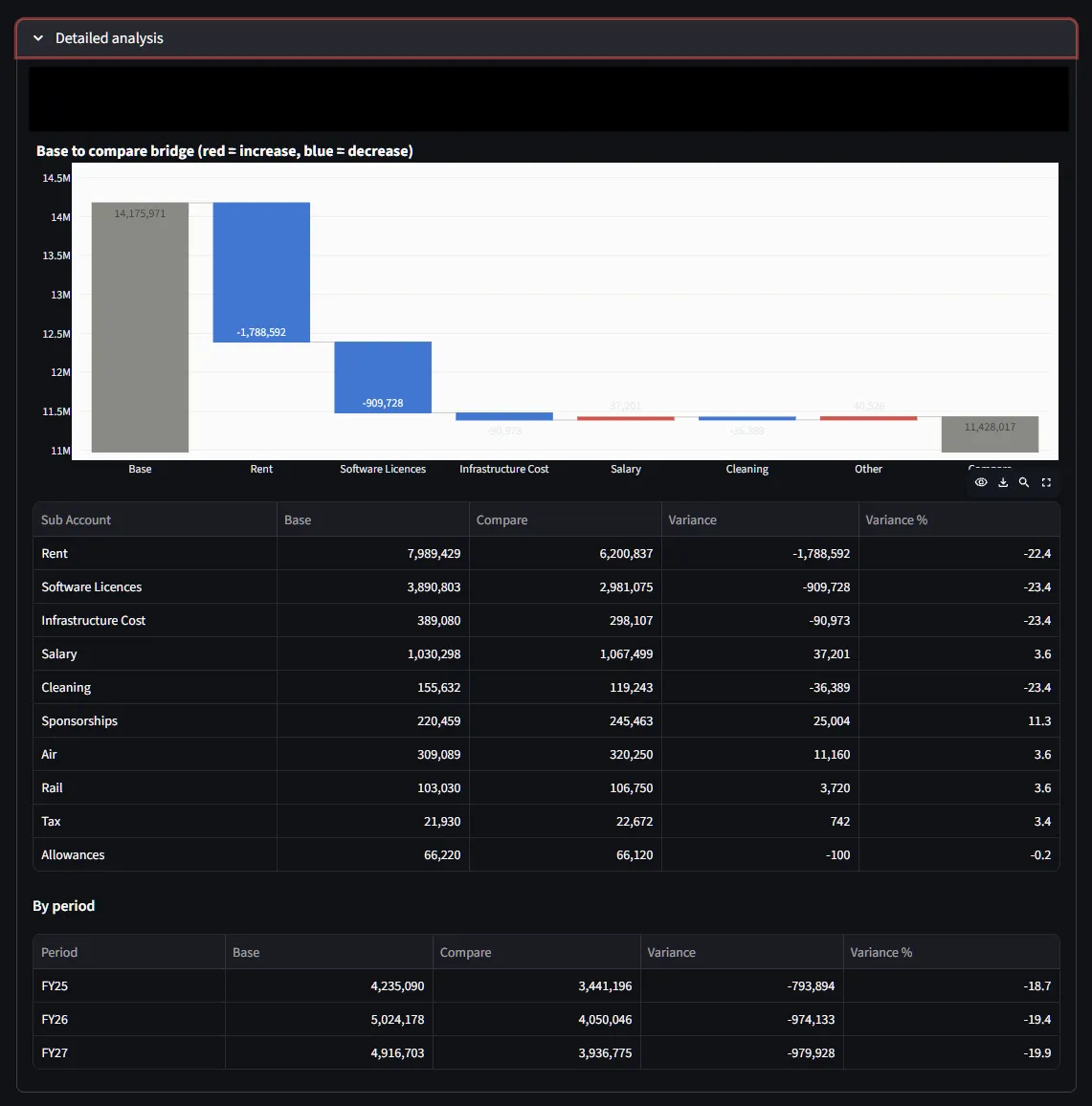
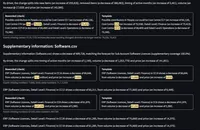
Every forecast cycle ends the same way: the numbers are done, and then someone spends days turning a variance table into paragraphs. Rent is down 1.8m. Software licences are down 0.9m. People costs are up slightly, because… — and that “because” is where the time goes. NLP Variance Commentary is my attempt to automate the first draft without ever letting an AI make up a number.
The rule I started with
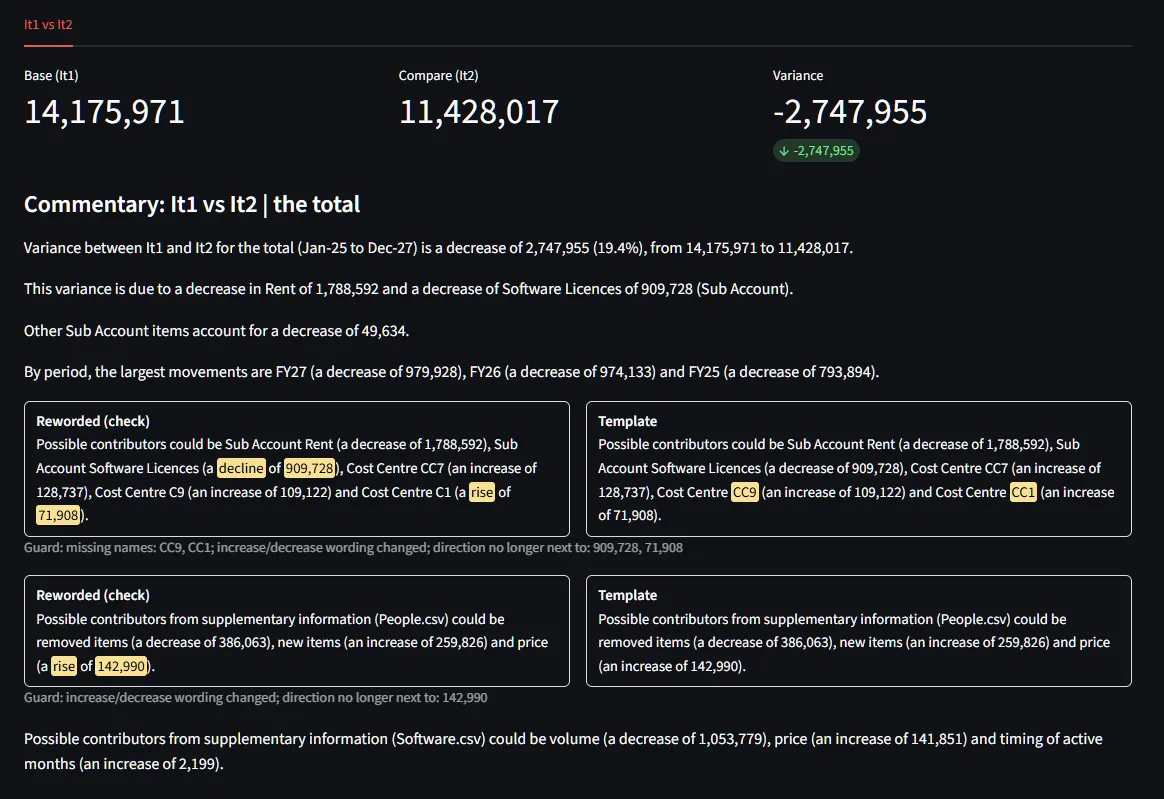
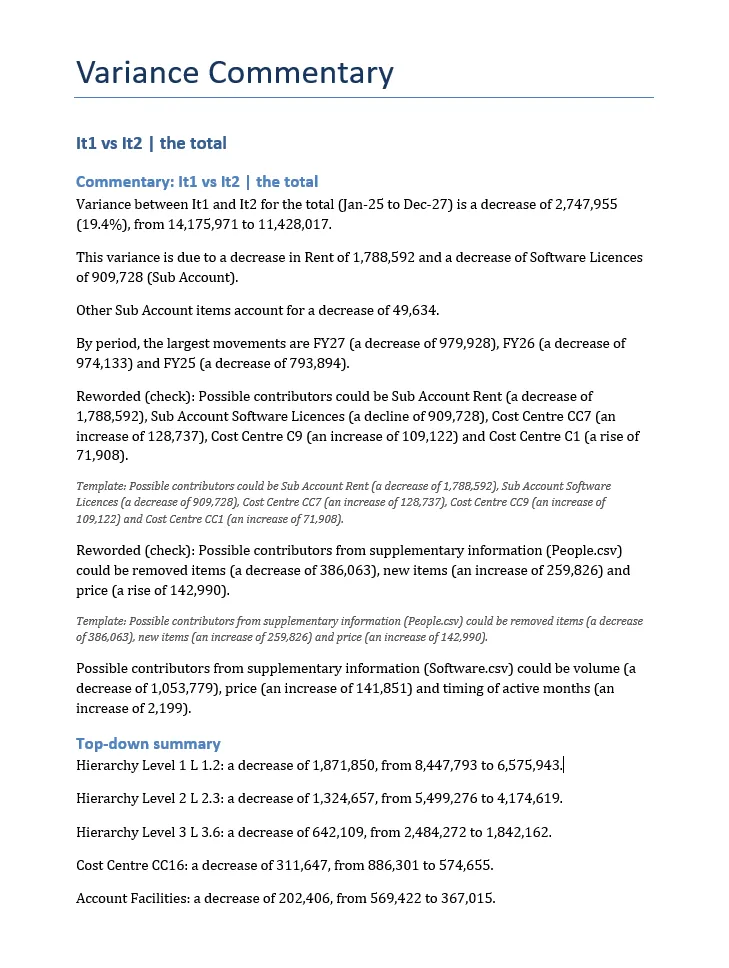
Language models are good at sentences and unreliable with figures. So the tool splits the job in two. Every number comes from a deterministic calculation and is written into a plain template sentence first. Only then does a local Hugging Face model (flan-t5-base) reword it into something that reads less like a report generator.
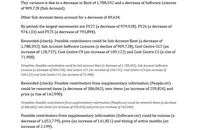
A guard then compares the reworded sentence with its template: every number, every name, and every increase or decrease, including whether each direction word still sits next to its own number. If anything changed, the app doesn’t quietly pick one. It shows both versions side by side with the differences highlighted, and the reviewer decides.
Asking the question the way finance asks it
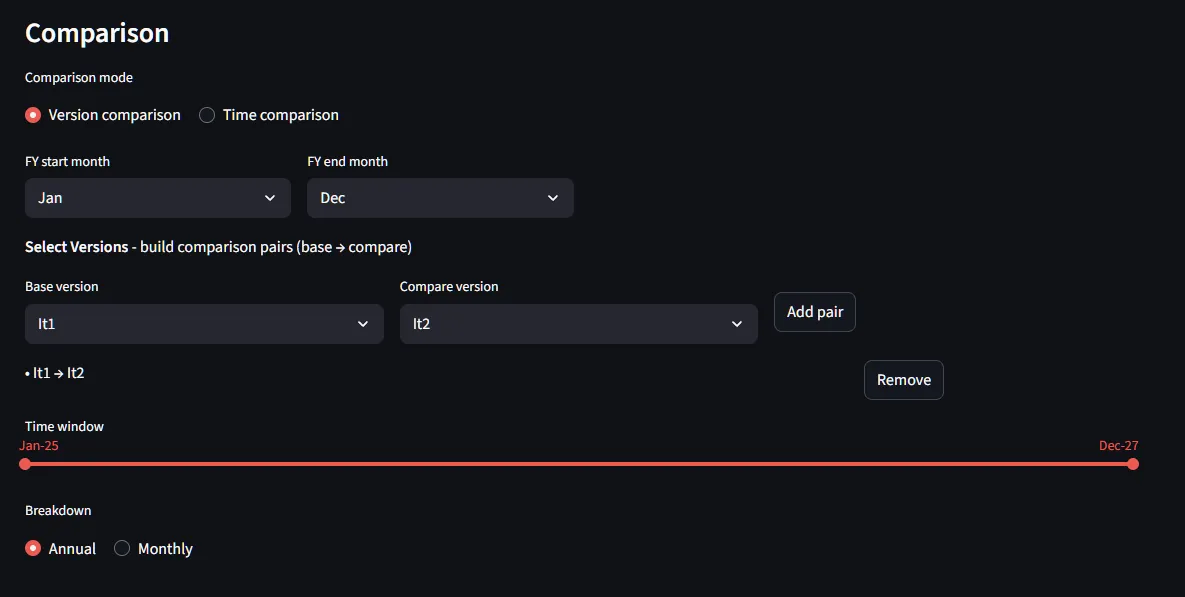
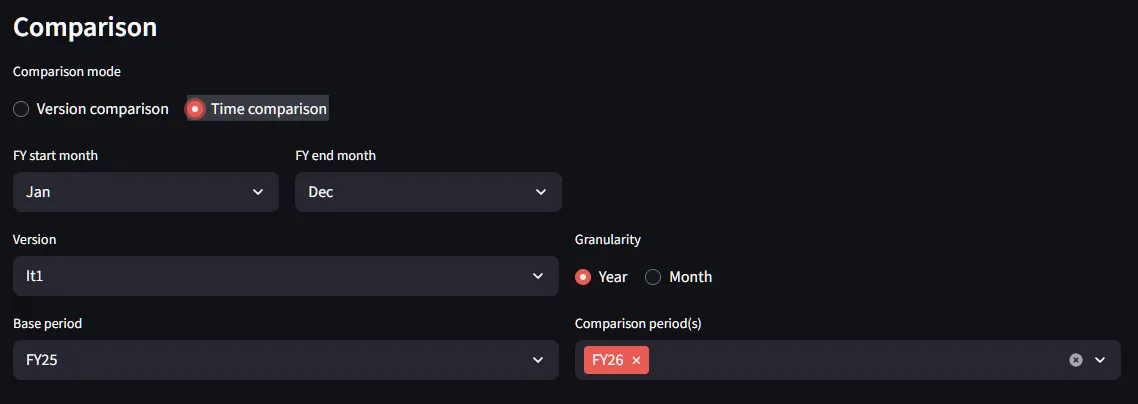
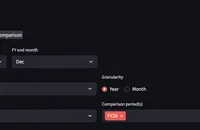
There are two ways to compare, and you choose before anything runs:
- Version comparison — Version X against Version Y (or several pairs at once) over a time window, broken down monthly or annually.
- Time comparison — one version, FY X against FY Z, or Month X against Month Y, with a configurable financial year.
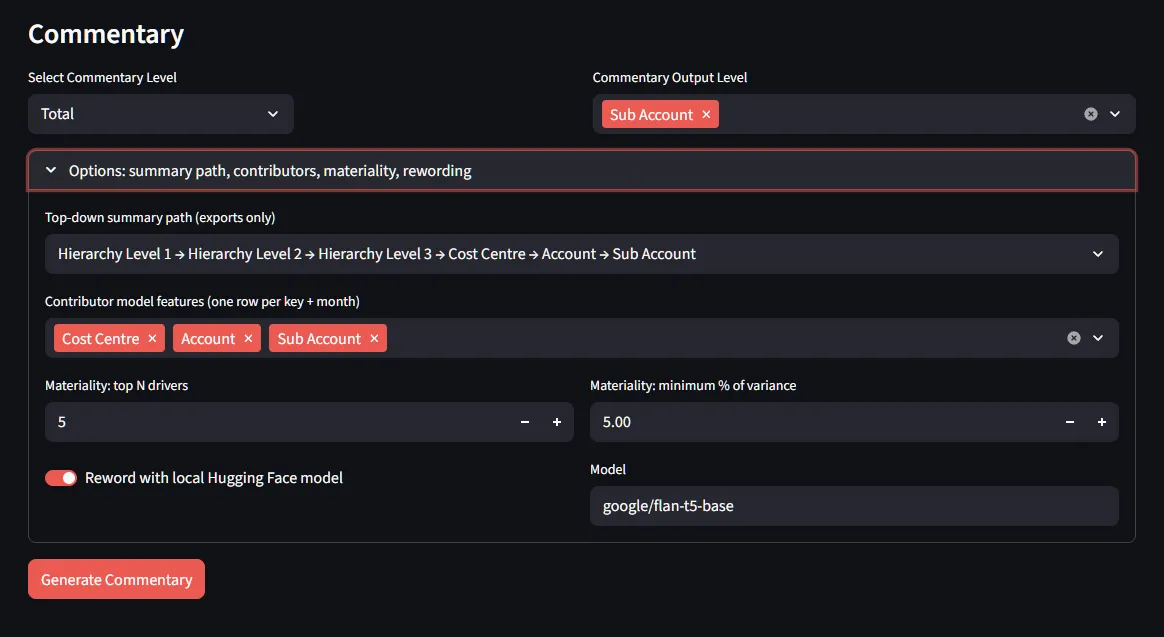
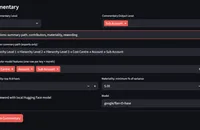
Then you pick the commentary level (the total, or one member from hierarchy (Level 1, Level 2, Acccount, Cost Centre)) and the output level (sub account, cost centre, or any combination). The breakdown always adds up to the total exactly, so nobody has to re-check the arithmetic.
A hierarchy it figures out for itself
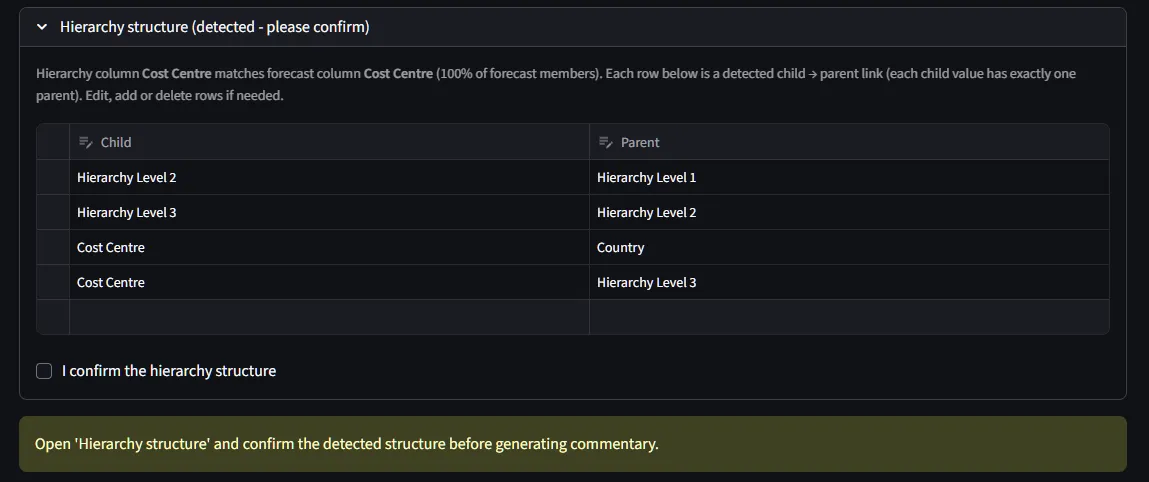
Every organisation’s hierarchy file looks different. Instead of asking for a fixed layout, the app works out which column rolls up into which: a column is a parent if each value below it has exactly one value above it. It also spots parallel branches, such as a region rollup that sits alongside the reporting lines rather than above them. You confirm the detected structure once, and anything that doesn’t match rolls up to Unmapped instead of disappearing.
Explaining why, not just what
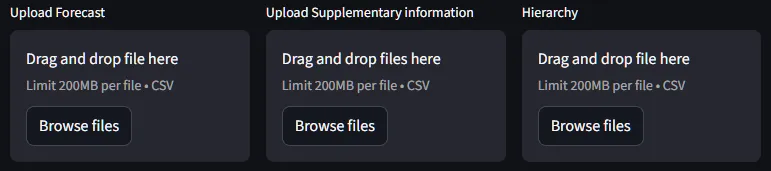
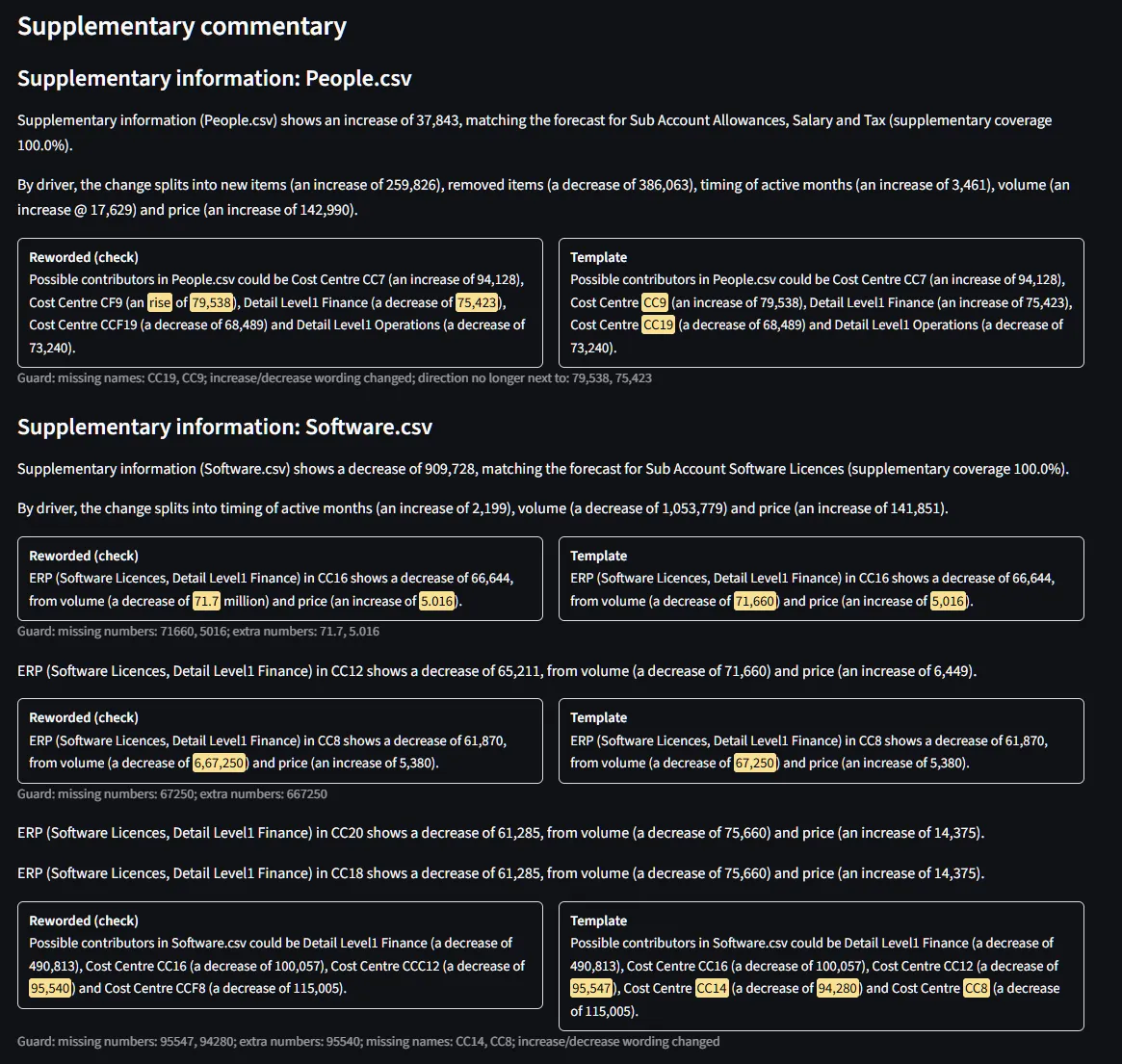
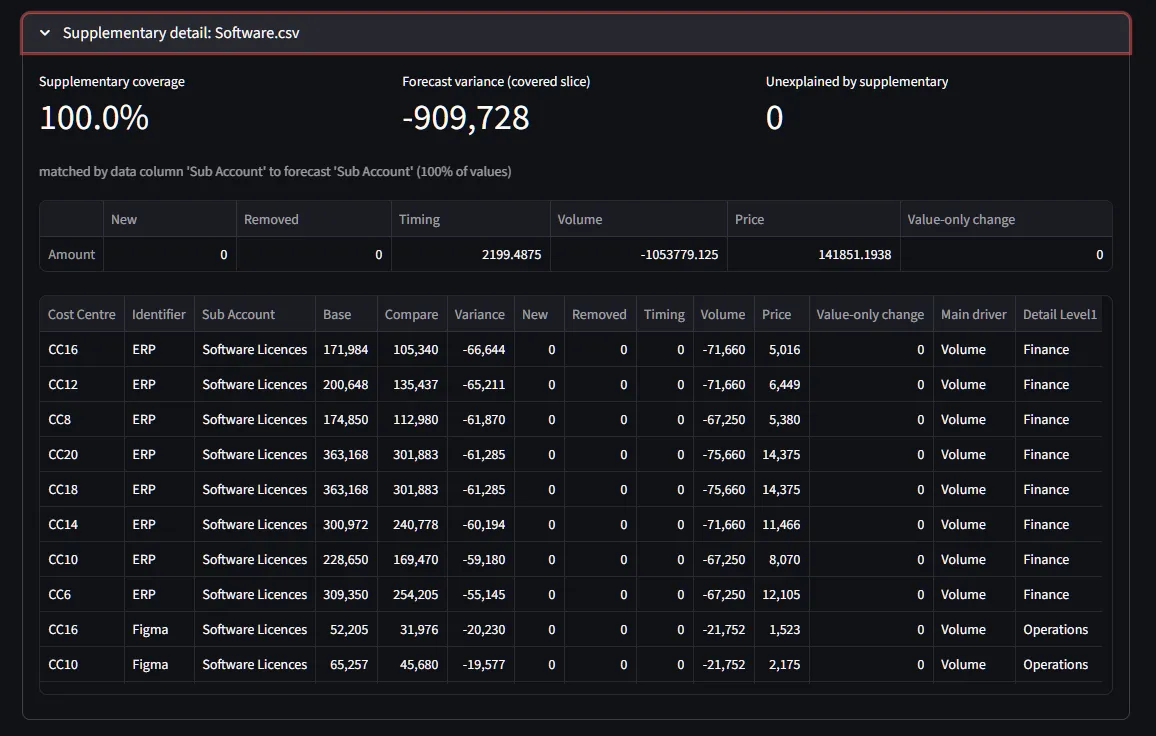
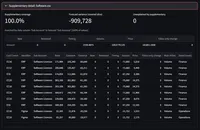
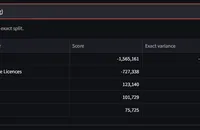
This is the part I’m proudest of. Supporting files such as detailed people calculations, Itemized Bills get matched to the forecast automatically (File naming convension matches to a hierarchy level). Each item’s change is then split into:
- New or Removed — it exists in only one version.
- Timing — the same item, active in different months.
- Volume — more or fewer people or licences, at the old price.
- Price — the rate changed, including yearly uplift.
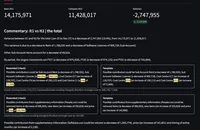
When the supporting data doesn’t cover the whole movement, the app says so: a coverage percentage and an unexplained by supplementary line, rather than a confident sentence that’s only half true.
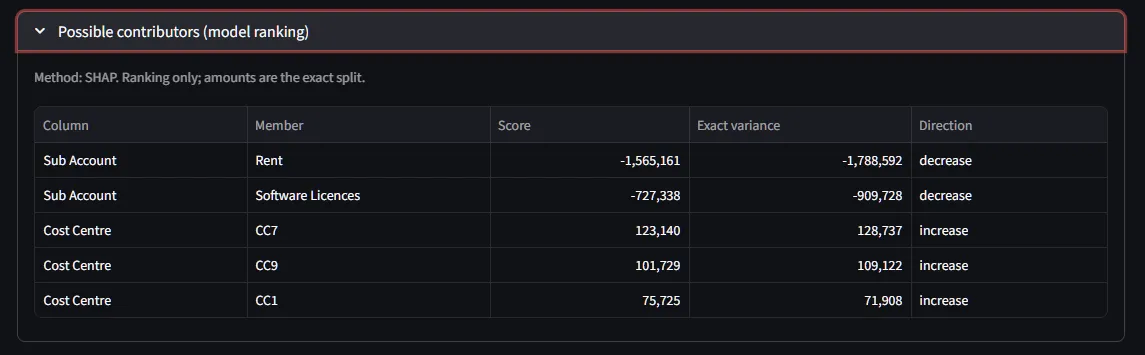
On top of that, a gradient boosting model with SHAP ranks which cost centres, accounts or attributes push the variance up or down. Those appear as possible contributors. The model only points to where to look; the amounts quoted always come from the exact split.
Keeping it short enough to read
A materiality rule decides what gets a sentence: by default, the top n drivers, each at least n% of the variance. If drivers offset each other and the net is close to zero, the threshold switches to gross movement, so a n increase and a (n) decrease don’t both vanish under a n%-of-nothing rule. Both settings can be changed.
What I’d still change
The rewording model is the weak link. flan-t5-base a local model where only about two thirds of its sentences get past the guard; the rest are shown next to their template for the reviewer to pick.
The guard means that never puts a wrong number in front of anyone, but it does make the reviewer’s job longer than it should be.
A stronger local model is the obvious next step.
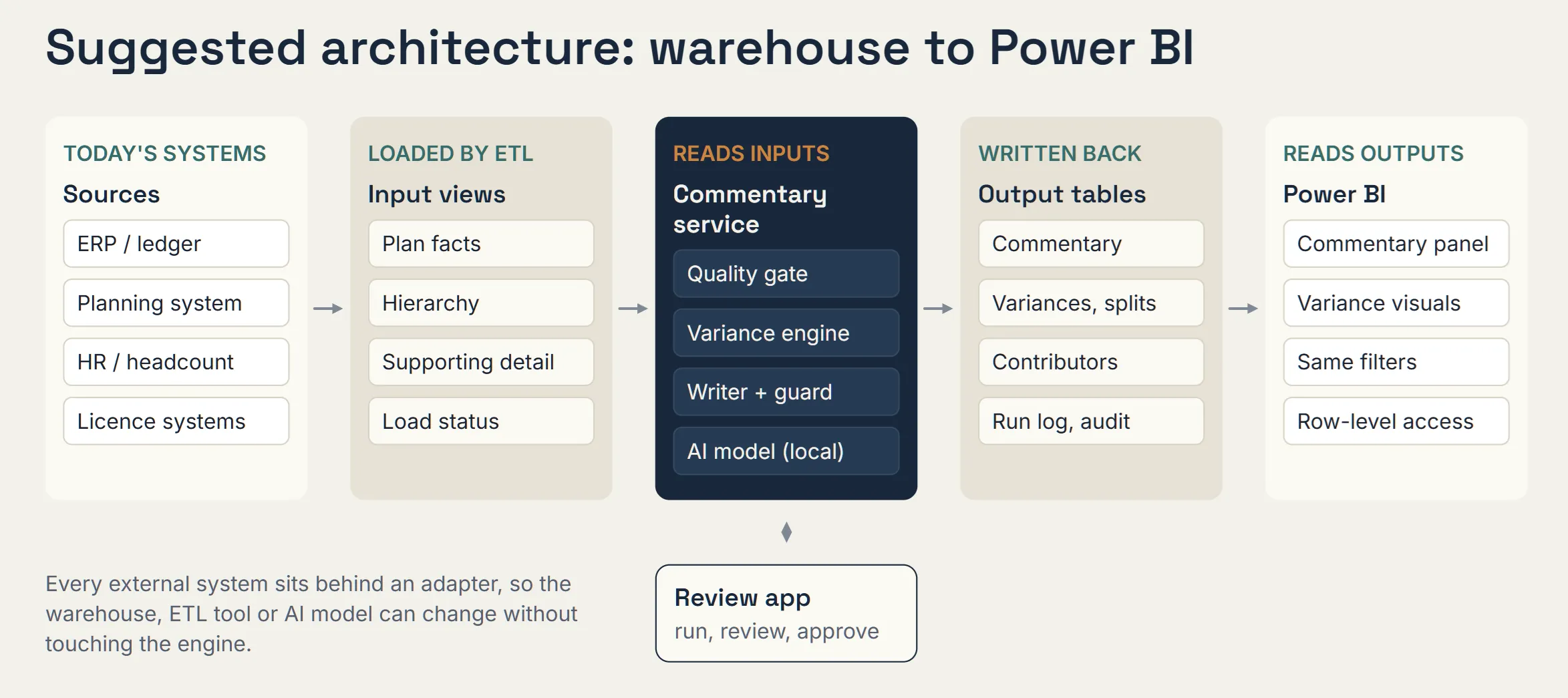
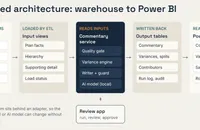
The bigger change is getting rid of file uploads. The plan is to read straight from a data warehouse, write the commentary back as governed tables, and show it in Power BI next to the numbers it explains. After that come actuals against budget, runs triggered after each data load, and an approval step so reviewed commentary is locked and versioned.
Gallery